Search
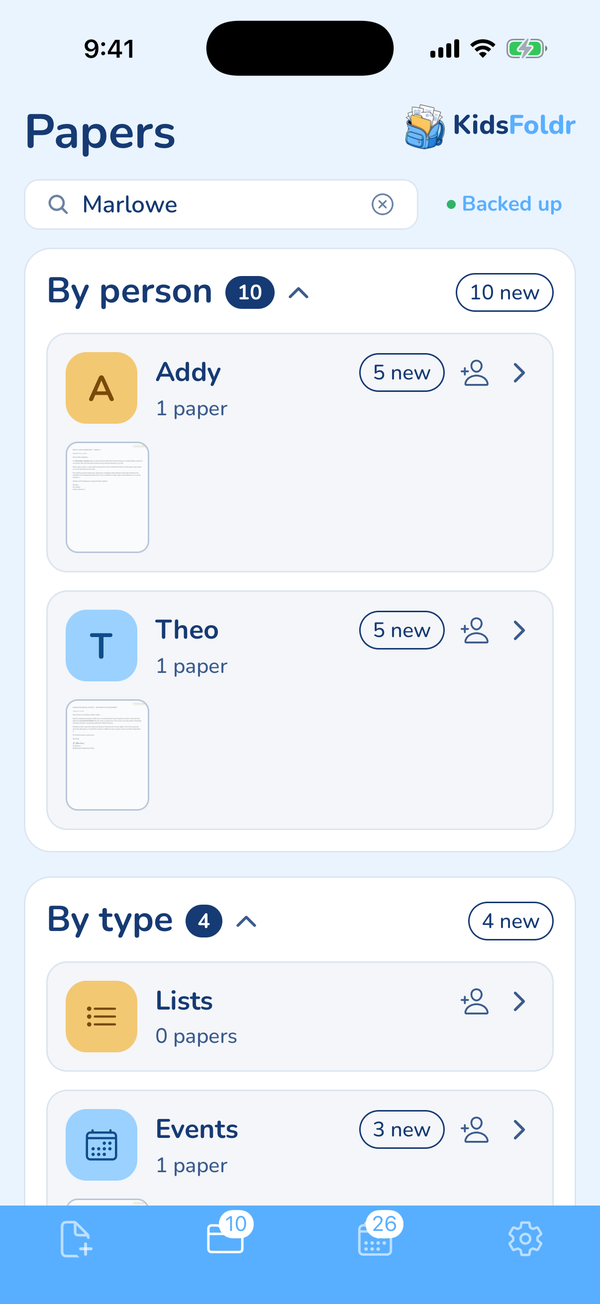
Find any paper in seconds.
Type a word you remember, like a teacher's name, and the paper it is printed on comes up. Search works across every folder, even with no signal.
Built for busy parents, by busy parents.
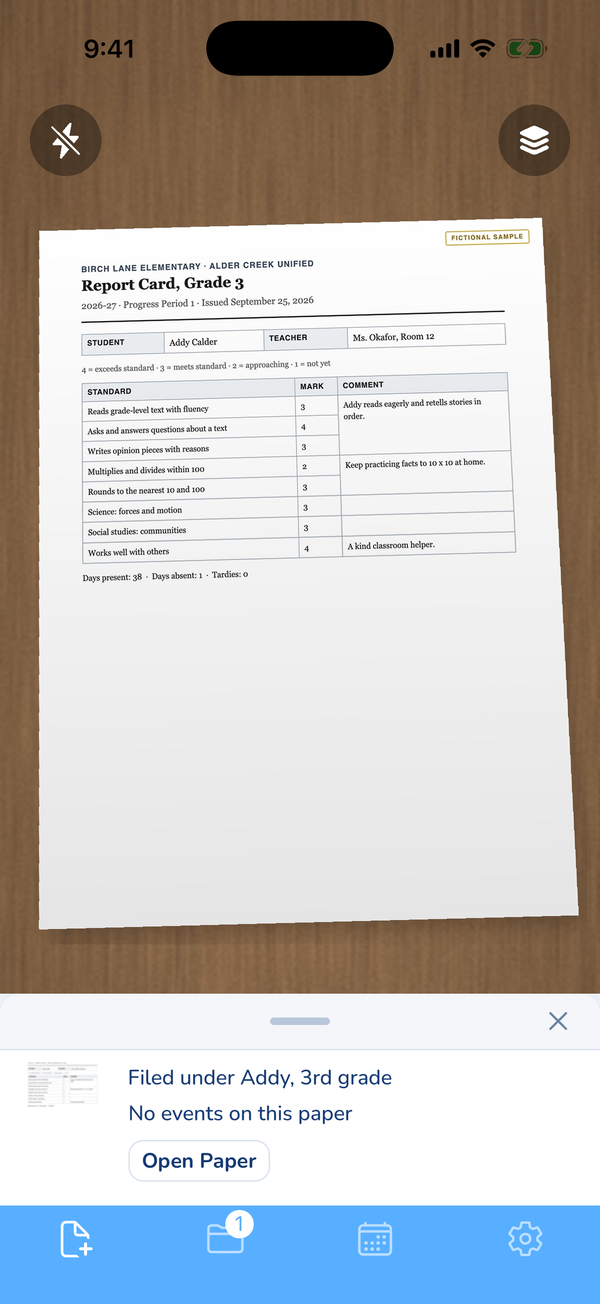
Snap the flyer, the report card or the field trip form. KidsFoldr files it under the right kid and grade, and every date on it lands on your family calendar. No typing. Scan it for peace of mind, then toss it.
Snap it with the camera, scan a stack, pick photos and screenshots, open a PDF or Word file, share it from any app, or forward the email it came in.
All of it happens on its own, with no typing.
The paper goesKeep the keepsakes
Snap any paper and it is saved for good, so you can scan it for peace of mind, then toss it. The artwork, the report cards and the class photos are kept forever.
Turn on automatic backup, and every paper goes to KidsFoldr Cloud as it is filed, and one tap on Back up copies every paper to your Google Drive.
In the app Camera · Scan · Photos · Files · Automatic backup
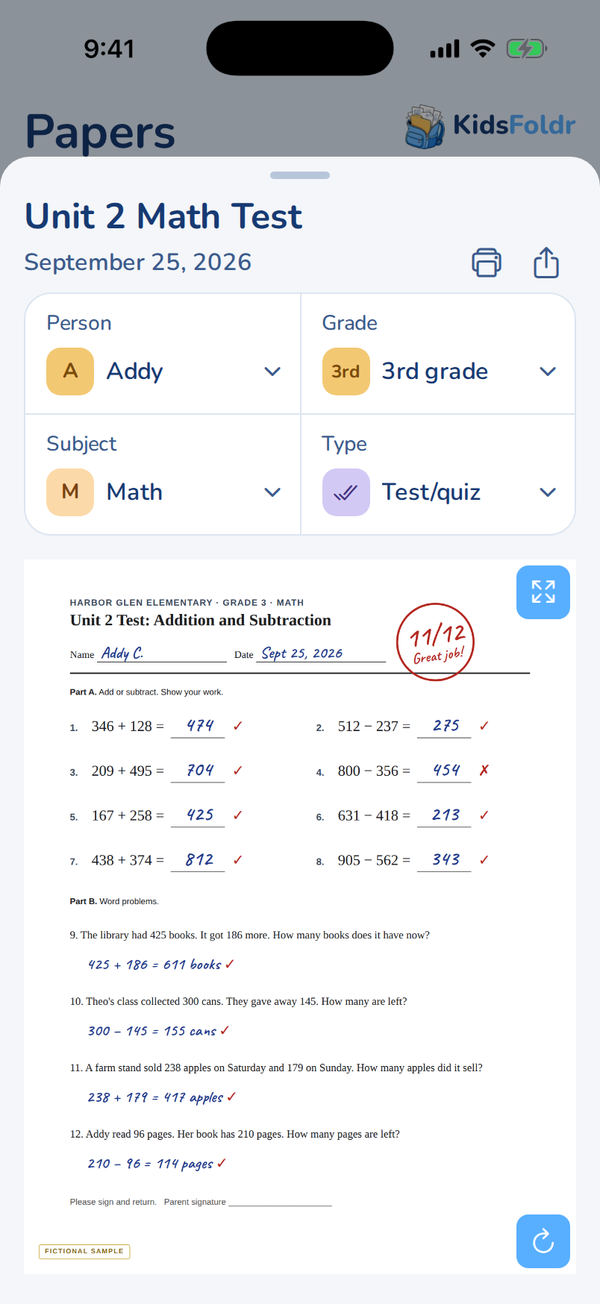
Organized with zero effortCut clutter
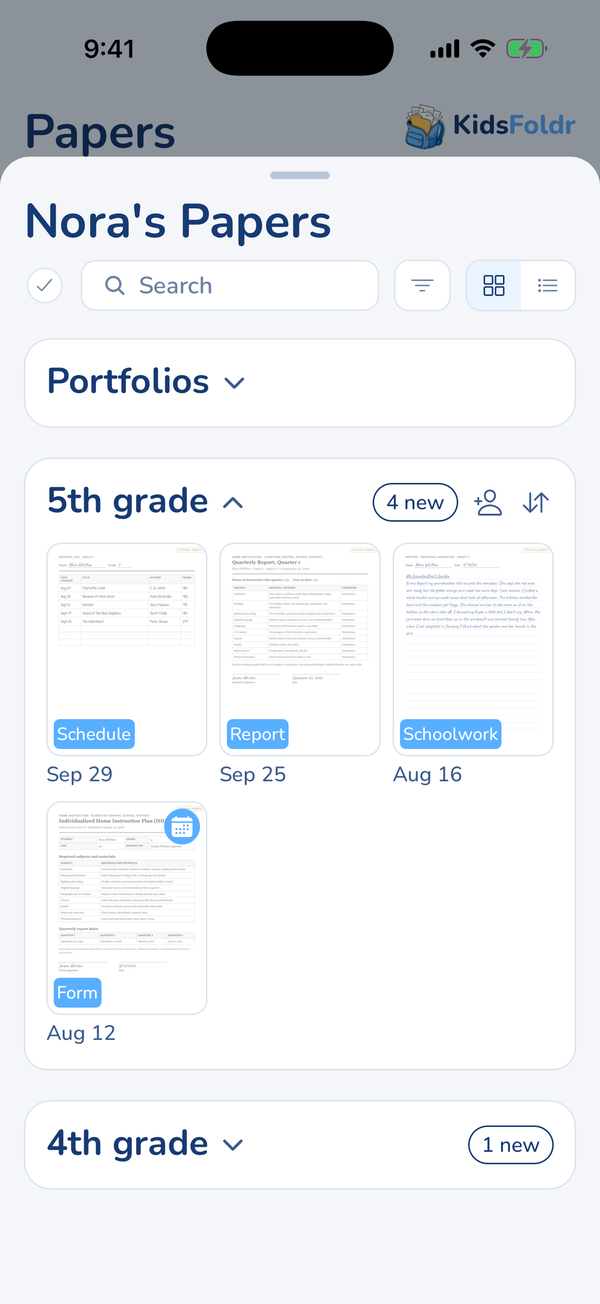
Every paper is organized by person, grade, type and subject, automagically.
No pile on the counter, no bin in the closet, no shelf of binders. Years of school papers fit on your phone.
In the app Automatic filing · By person and By type · Fifteen subjects
Events on the calendar
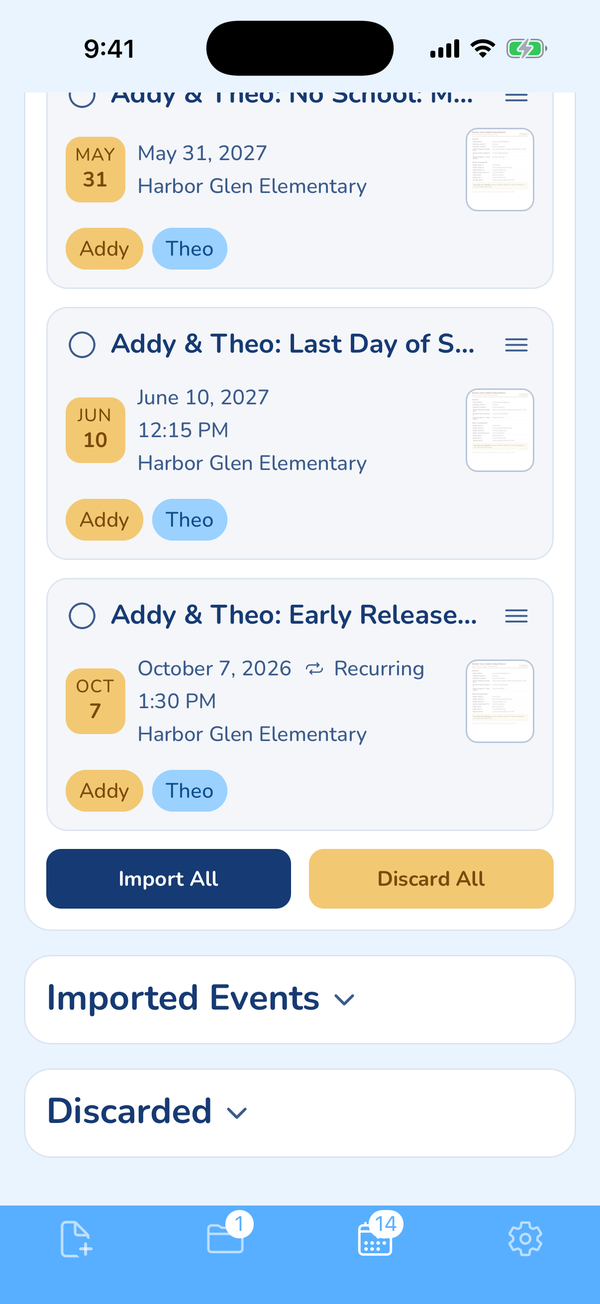
Picture day, the field trip, early release every Wednesday. Every event on the paper comes out with its date, time and place, ready to add in one tap. A weekly practice comes out as one repeating event.
It goes on the calendar you already use: iCloud, Google, Outlook, a shared family calendar, or several at once.
In the app Event extraction · Recurring events · Import All · Duplicate Protection
Try it on a flyer in your browser Find your district's school calendar
Keep up with the chaos
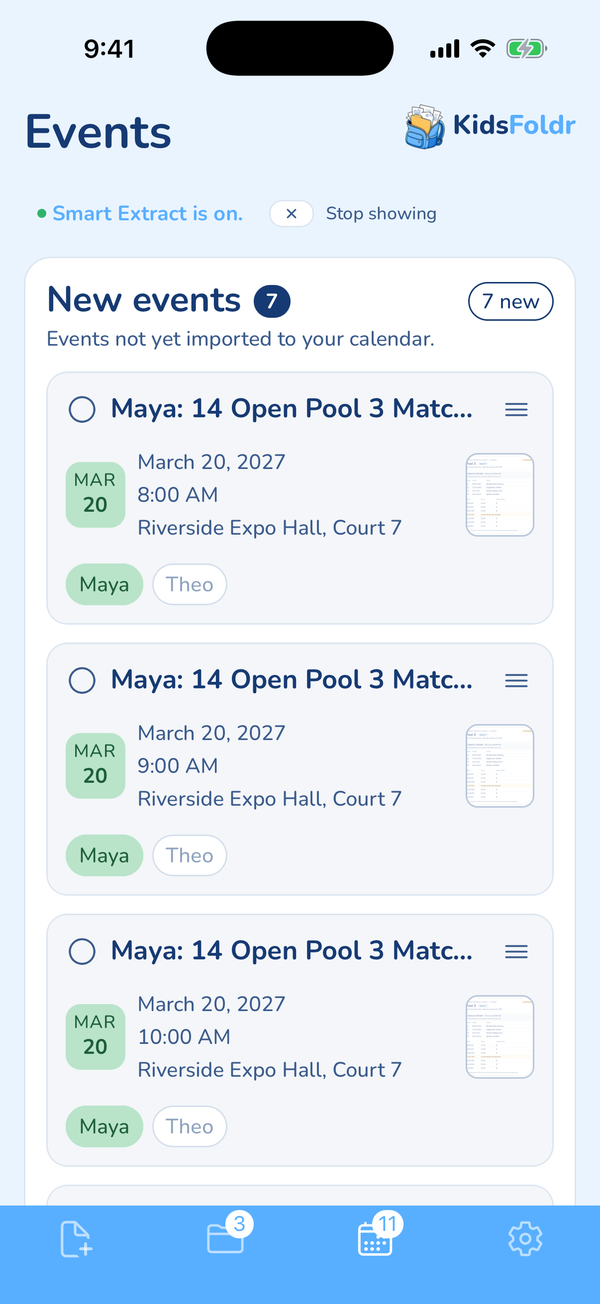
A new flyer every day, a tournament pool sheet, the coach's email. Each one is handled as it arrives.
Smart Extract keeps only your family's events and sets aside the rest, like other teams' games and dates already past. Automatic Import puts new events straight on your calendar, with no review step. Email Events reads any email you forward, attachments included. Add Addresses adds the street address to a venue name on the event.
Pull your kid's games from a schedule Club volleyball schedules, sorted
Snap the next paper that comes home.
Get KidsFoldrSearch, lists, homeschool records, a color for every kid and a safe copy of everything.
Type a word you remember, like a teacher's name, and the paper it is printed on comes up. Search works across every folder, even with no signal.
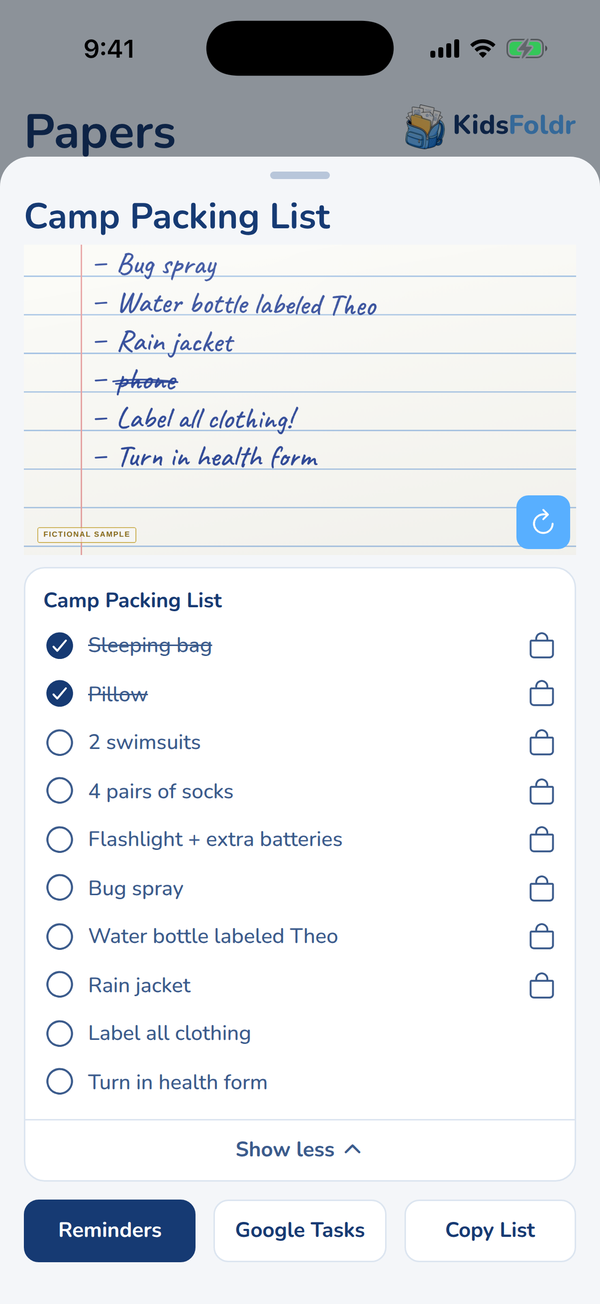
A supply or packing list turns into a checklist. Send it to Reminders or Google Tasks, or tap an item to find it at Amazon, Walmart or Target.
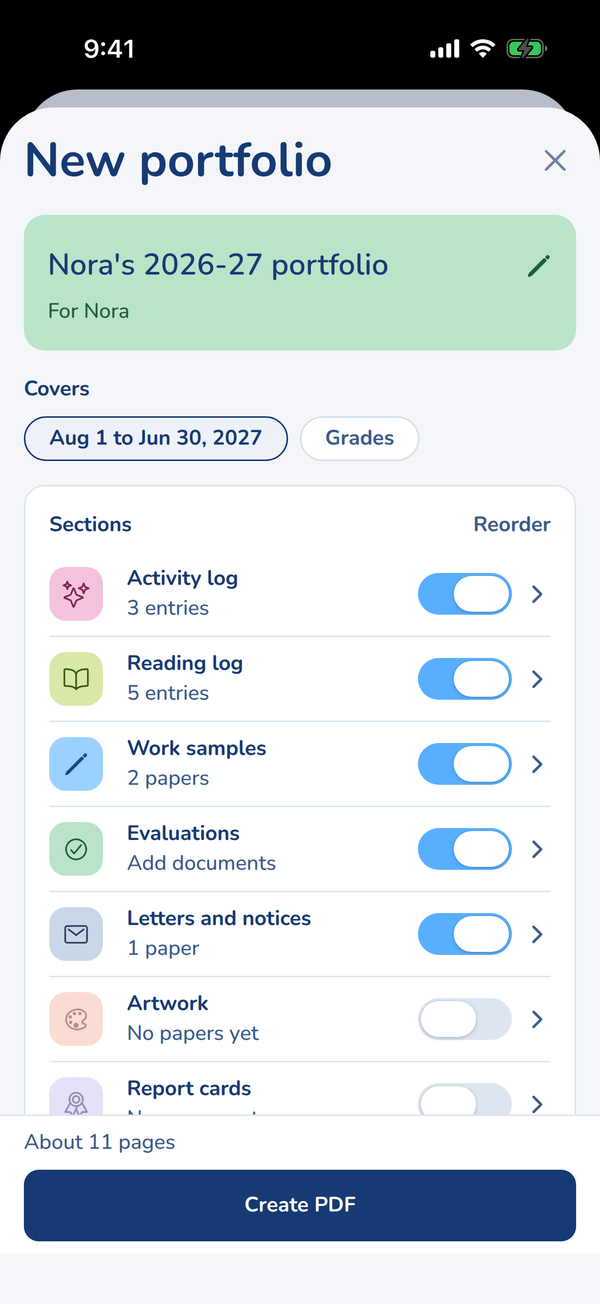
Build a portfolio for a kid, a grade or any dates, filled in from papers you already snapped. Pick the sections your state asks for, then tap Create PDF.
Each person in the family gets a color, on their folder, their chips and every event's day tile.
Turn on automatic backup, and every paper goes to KidsFoldr Cloud as it is filed. Your data is never sold, and there are no ads, ever.
Snap each one, and it is filed, the dates are on your calendar, and the paper can go.
Get KidsFoldr


